Welcome to MY-Giga1M3 3D Printer Documentation
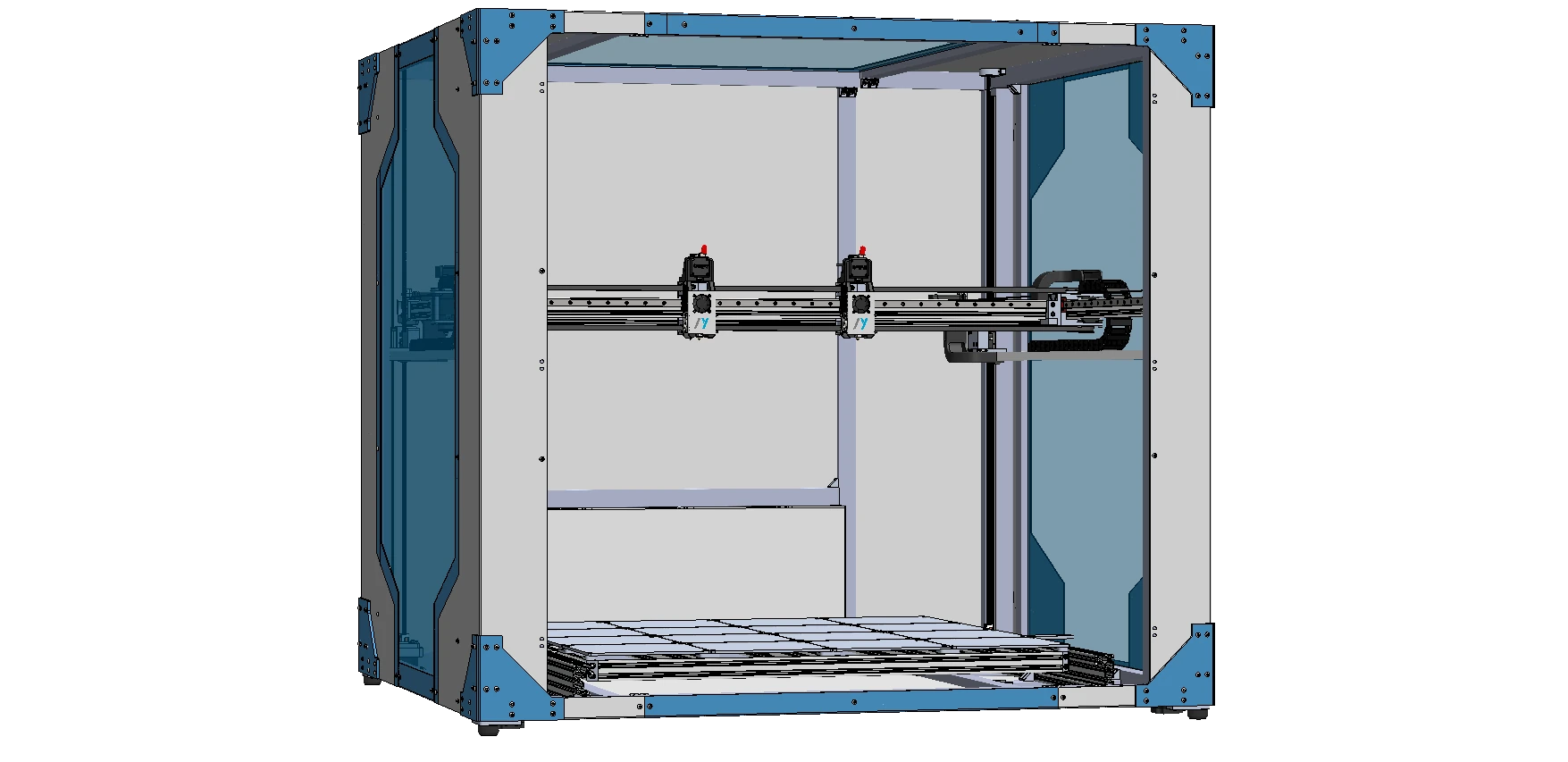
Welcome to the official documentation for the MY-Giga1M3 3D Printer.
Here you will find everything you need to set up, use, maintain, and troubleshoot your MY-Giga1M3 printer. Explore the sections below to get started or to find the information you need.
Work In Progress (WIP) - Active Development
The MY-Giga 1M3 is a massive engineering challenge currently in development.
Scaling to a 1-cubic-meter build volume demands extreme structural validation. The current heavy-duty specifications and BOM are conceptual prototypes.
Planning a massive build? Sourcing heavy industrial parts on your own can lead to expensive mistakes right now. We invite you to support our R&D by purchasing your heavy-duty extrusions, rails, and motors directly through the MY-Machines Official Store, guaranteeing you get the exact specs we are currently testing.
-
User Manual
Access all assembly instructions, setup guides, and detailed user manuals for your MY-Giga1M3. Whether you are building your printer for the first time or need a quick reference, this section has you covered with step-by-step documentation and downloadable resources.
-
Maintenance & Guides
Find preventive and corrective maintenance procedures to keep your MY-Giga1M3 running at its best. Includes cleaning routines, lubrication, part replacement, and troubleshooting for common wear issues—essential for long-term reliability.
-
Slicer Software & Print Profiles
Learn how to configure your favorite slicer software, import ready-to-use profiles, and optimize print settings for the best results. From beginner basics to advanced tuning, this section helps you get the most out of your MY-Giga1M3.
-
Troubleshooting & Problem Solving
Facing issues with your printer? Find step-by-step solutions for common problems, error messages, and print quality issues. This section is your first stop for quick fixes and in-depth troubleshooting.
-
Safety Guidelines & Best Practices
Stay safe while operating your MY-Giga1M3. Here you'll find essential safety information, electrical and thermal precautions, and best practices for a secure printing environment.
-
Tips, Tricks & Advanced Techniques
Discover expert tips, advanced calibration tricks, and creative solutions to get the most out of your printer. Perfect for users who want to push the limits and achieve professional-quality results.
Didn't find what you were looking for?
Please contact us directly, we are here to help.